
Smart & TV: what to know before you hire
This covers two related jobs: mounting a TV (cleanly, into structure, with cables hidden) and smart-home / low-voltage work (thermostats, locks, cameras, lighting, networking). Both come down to wiring done right and anchoring into something solid.
What smart & TV work looks like
A look at the kind of work and finishes involved — licensed reference photos.
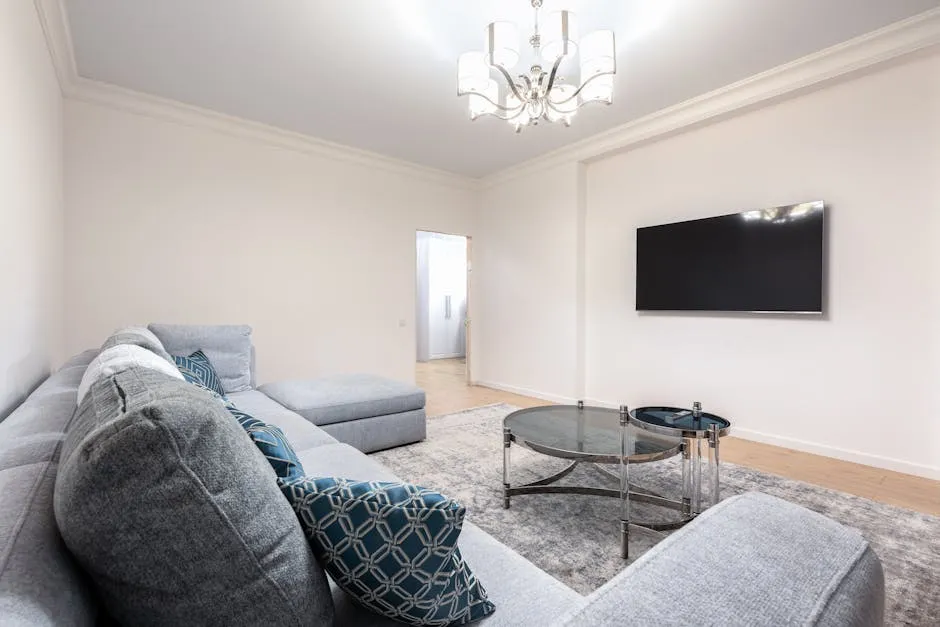
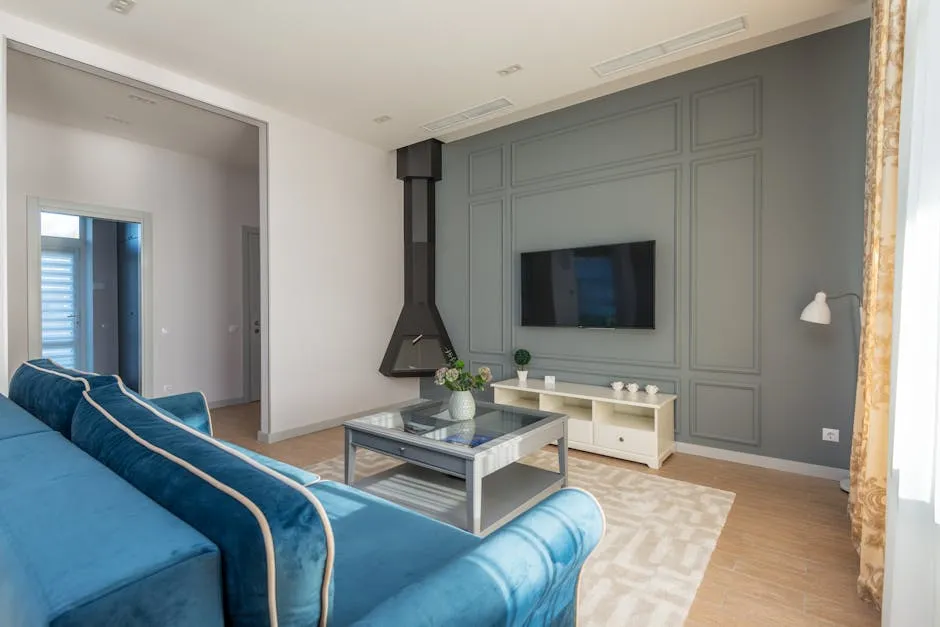
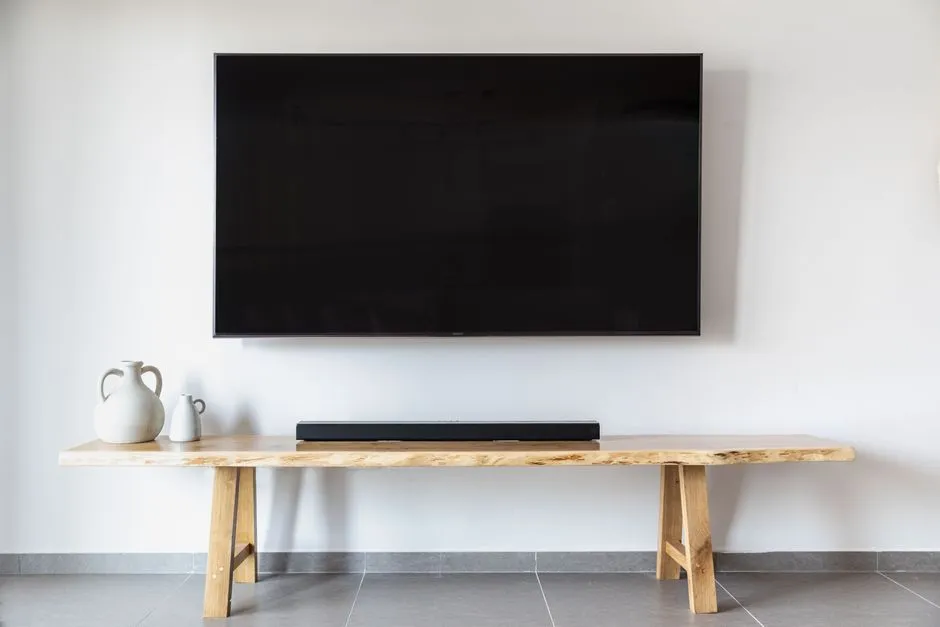
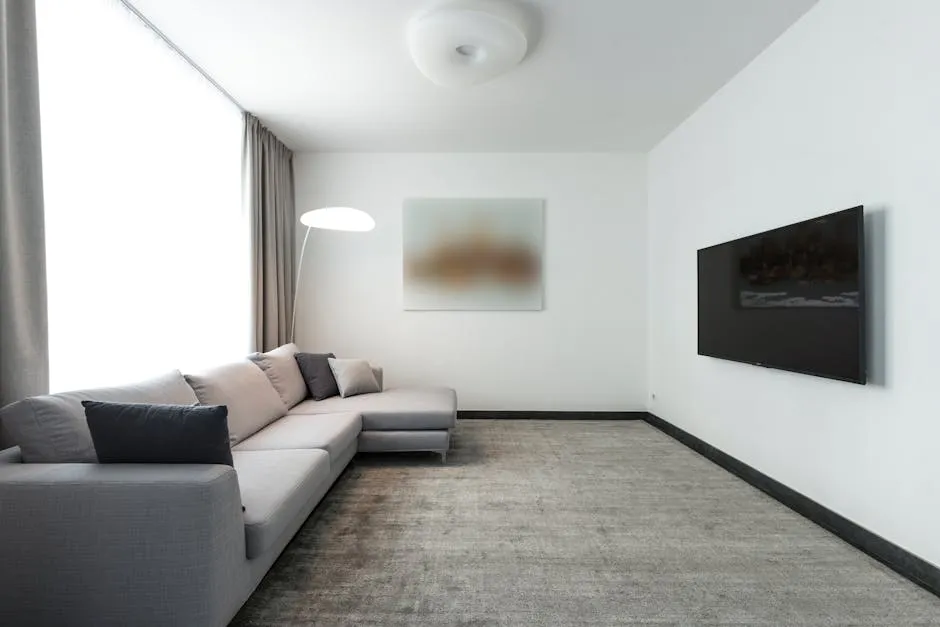
How the work actually works
Whether it's a TV or a smart-home system, the quality is in the mount, the wiring path, and the network. Here's what 'done right' looks like.
- 1
Anchor into structure
A TV mount lags into wall studs or solid masonry — never drywall anchors alone for a heavy TV. Brick/stone needs masonry anchors; over a fireplace needs a heat check.
- 2
Conceal cables safely
HDMI and low-voltage can run inside the wall; power must use an in-wall-rated kit or a new outlet behind the TV — running a regular power cord inside the wall is a code violation and fire risk.
- 3
Wire the smart devices / network
Thermostats, doorbells, locks, and cameras wired or paired; whole-home lighting and wired cameras need planned low-voltage runs and a solid network backbone.
- 4
Set up, test, and label
Devices joined to Wi-Fi or a hub, camera coverage checked, and runs labeled so it's serviceable later.
TV mounts & wall types
The mount and the wall decide how it looks and whether it stays up.
- Fixed / low-profile mount
- Holds the TV flat and close to the wall — the cleanest look, no adjustment. Best at eye level with no glare.
- Tilt mount
- Angles the screen down — useful when the TV is mounted high (for example, over a fireplace).
- Full-motion (articulating)
- Swings out and pivots — the most flexible (corner rooms, angled viewing), but it needs the most solid anchoring.
- Brick / stone / over-fireplace
- Masonry needs masonry anchors; over a fireplace, check that heat won't cook the TV and plan a tilt plus a heat-safe cable path.
- Cable & power concealment
- In-wall HDMI plus an in-wall-rated power solution (or a new outlet) — not a power cord stuffed inside the wall.
Smart home & low-voltage
Smart devices are easy to stick on; doing it so it's reliable and serviceable is the real work.
- Wired vs. wireless
- Wireless (Wi-Fi/battery) is easy but depends on signal and batteries; wired (PoE cameras, hardwired sensors, Lutron) is more reliable for whole-home and security.
- Structured wiring / network
- Whole-home smart features lean on a solid network — a central data drop, good Wi-Fi coverage, and labeled runs prevent dropouts.
- Cameras & security
- Wired/PoE multi-camera systems with an NVR are more reliable than battery cams; placement and coverage matter more than camera count.
- Locks, thermostats, doorbells
- Mostly simple swaps — but confirm compatibility (a C-wire for many thermostats, door prep for locks) before buying.
Red flags of a corner-cut job
- A heavy TV hung on drywall anchors instead of studs or masonry anchors.
- A standard power cord run inside the wall (a fire and code violation).
- A TV over a fireplace with no heat consideration.
- Whole-home smart gear on a weak network with no plan for coverage.
- Battery cameras sold for security-critical coverage where wired is needed.
Put it in writing
- The mount lagged into studs or proper masonry anchors, rated for the TV's weight.
- An in-wall-rated power solution or a new outlet — never a cord in the wall.
- A heat-safe plan for any over-fireplace mount.
- For smart/security, a wired backbone where reliability matters, and labeled runs.
Talk like a pro
The terms a contractor uses — so you can follow the conversation and ask the right questions.
- Stud / masonry anchor
- The fastener type matched to the wall so the mount actually holds.
- In-wall-rated power kit
- A code-compliant way to get power behind a wall-mounted TV (a regular cord isn't allowed in-wall).
- PoE (Power over Ethernet)
- One cable carrying data and power — common for reliable wired cameras.
- Structured wiring
- Planned low-voltage cabling (data, coax, AV) run to a central panel.
- C-wire
- The common wire many smart thermostats need for steady power.
What drives the cost
- TV size/weight and wall type (drywall + studs vs. brick/stone/over-fireplace)
- In-wall cable and power concealment vs. surface cords
- Smart-home scope — a single device vs. whole-home lighting, cameras, or structured wiring
- Wired vs. wireless, and whether new low-voltage runs are needed
What it costs to hire
Typical per-unit ranges for smart & tv services (estimates until local pros publish their rates):
Smart lighting control — Lutron (whole-home) | $0–$0 — · often needs assessment |
Smart switch / dimmer install (per device) | $52–$52 per device |
TV mount install — drywall | $70–$70 per TV |
Motorized / smart shades install | $103–$103 per window |
Security alarm system install | $300–$1,200 per project · often needs assessment |
See full prices and pros in Palmdale, Los Angeles.
Permits & safety
Permit and licensing rules vary by city and county. Before you start, check your local building department — and when in doubt, a licensed pro will know what your jurisdiction requires.
Smart & TV FAQ
What should a smart & tv quote actually include?
A good quote names the materials, the spec or grade, and the scope of work — not just one lump-sum number. The more a bid leaves vague, the more room there is for surprise costs and cut corners. The checklist above lists exactly what to put in writing for this kind of work.
How much does Smart & TV work cost?
On FinerNest, Smart & TV work is priced by the unit rather than as a single bid, so you see the rate up front. The rates above reflect what pros publish; open the city links to see full prices and available pros near you.
How do I find a trustworthy smart & tv pro?
Look for published rates, reviewable past work, and verified licensing where it applies. FinerNest lists local pros with all three so you can compare on work and price rather than chasing quotes.
Decided to hire it out?
Compare smart & tv pros with real rates and reviewable work.